

 Refresh
Maps, Elements and More Pages
Want to win a job like this?
This customer received 48 graphic designs from 1 designers. They chose this graphic design from sandeshnarvekar as the winning design.
Join for free Find Design Jobs
- Guaranteed
-
 C$280
C$280
-
 48 designs
-
 1 designer
Graphic Design Brief
Please create maps, pages and elements as per attached files and the instructions below.
Note: The red line always has a 3D look.
File names in brackets.
18 Maps (img 567 through 583 plus Haiti pdf) – convert each to individual eps with transparent background so that it can be placed on the wave background re: Start and Finish files in this project. Ignore the black frame - it's just there to make the initial scan easier.
Alterations to 4 pages – The file name contains the instruction but here is recap:
Winter scene (Design 2)– delete top centre snow flake
Loop on Blue pattern (Design 3) – lighten the blue patterned background (not the loop)
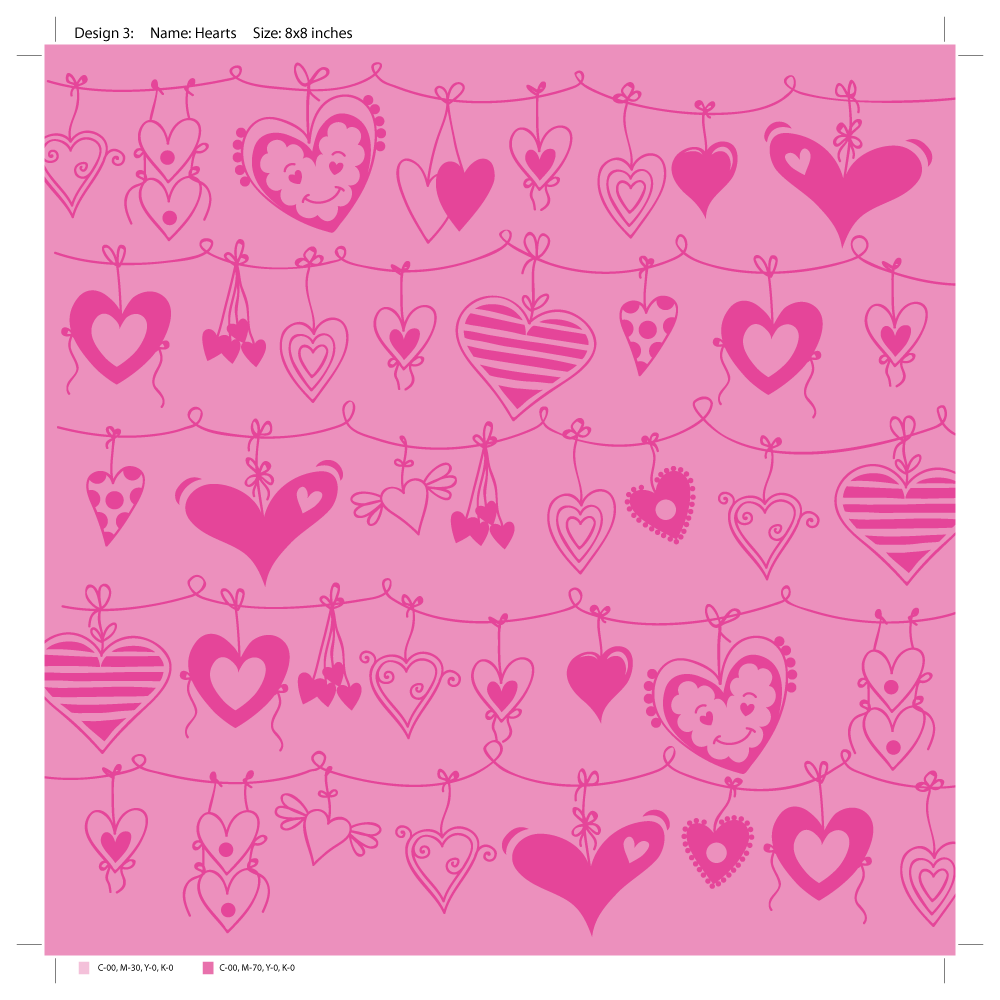
Heart Pattern (Page (1-6)3)– lighten overall
Sea and Sky (Plane over sea) – Add Plane, fish and red 3D line as per mock-up attached to previously created Sea and Sky page.
9 New Pages plus 3 Elements - Fill in where parts of mock ups have been erased
Prego Stick Lady (Tummy)
Boat on river (555)
River to House (558)
Down the Red Line road in car (562)
Down the Red Line road in car ALTERNATIVE VERSION - make Line stop at the point where it curves to head for the left edge of the page
Up Red Line road to house (561); note: red line starting point is placed so that it meets the car from “Down the Red Line road in car” is placed next to this page)
Airport (563) – Add a bit more green to the bottom on the page (if that’s possible without reducing the amount of blue space between the top of the red 3D line and the top of the page) and trim the parts of the building that run off the page in the lower left.
2 FILES (Start and Finish) – Using the full page of sea created previously, add red 3D line only to each so that when Start and Finish are next to each other the red 3D lines meet. The map on each page has been left in place only to illustrate where a map from one of the 18 eps files created from instructions above would be placed.
ELEMENTS FROM Start and Finish – please make the whale, clouds &birds and 3 blue fish into individual transparent background eps elements that can be placed on a page
Assume pages will be 8 by 8 inches or 12 by 12 inches when printed re: resolution
Required: Native Indesign, AI, high res JPG and PDF files PLUS Individual PNGs for the pages and EPS for the maps and elements.


3_brief121016.png?AWSAccessKeyId=ASIARQT47ZIURFNA2HB6&Expires=1778814627&response-content-disposition=attachment%3Bfilename%3D%22Pages%20%281-6%293%20Wednesday%2C%2012%20March%202014%2020_10_16.png%22&x-amz-security-token=IQoJb3JpZ2luX2VjEIj%2F%2F%2F%2F%2F%2F%2F%2F%2F%2FwEaCXVzLWVhc3QtMSJIMEYCIQDDKuTXkxvj%2FM1C8Tkhp3dwfG8RdRTkJDCmouLvVZJBLQIhALz6ry7NnImixeA%2FTVEl%2FfvNQwRAP%2BSa38LV7FftppDMKusDCFEQABoMMTA0NDE1MDg3MTQ1IgzDCyXZcvvlxZ2OotcqyAPsWFNxXmH33SmhlnEXArJDInbL56FnUd6%2F%2FnDOInH3Z3yLva5RJl8U9sf7BaHOJ6jmybbib6N7Rdm1eaaaTB%2FkyW0iAXgmLXnhoW27XeSzYeBdcggIw9OURYgyqwOlWDMmvytl1te7cp5k5yBZEe9x4DViJRn5Hdsh6ndzqP916OdvVIYZ8kUzyECcazBh54AMyP5Mmatm9RfpKII6Cdr2igRG4GVX%2FUaY8Rnup6Dc7PGrwKtwqIuxo0dWF0aBDTrTitnJk8gP6%2FR%2BuM5YwAq6Gbp6RnF1rWVjVE4AxqFaDfS08X%2Fb7M9DXopl1Q%2F5RF8L7H0M5RBgK8N7IPMXNXmqML1ithkBw%2BZVxGVGeZCspzb5VXS3%2FDR4bhm%2BxRCkj3g1LXLJKRL%2FxMdA7DWq9306itBl0KWolLfwZnndzUujSHL38Kkyg5fp%2FFalvqyxOWrGbmWbAmjTB8HV59bAti7ew9uIiHRVnDxDW%2BJ%2B%2BGFPfoXMTzeXoOfQdi6p8dUiM%2F9%2B8sqKX596XMZX%2FnNPqnBf%2Fku6gOWxCh4QVfj5bYtFJsyPhbw66CzNOcq1slI0HVvAAZQSfZKsyQAezw69VX188uPOEDuEAmgwtJCU0AY6pAEvh9fC7GeURyCJP2IoKcUhJBpIiTu2biEY3pvxxr6SgM0QjHyJiif9O9fJL18A5vXLQ85hqhL4zaQl2IgZM7ycsKcD1JUguNehbV7wTMXXwEK3IUju7T0wxilPJ9jnKwgzWHmnPX7FGwRebBdgYxtEDB4p7up7mzGRlpmQlsBtsZfs%2FSrGpO50wC3v1KFVz%2BXH865rNICm0ReHMUu8NibvfPni5Q%3D%3D&Signature=VnrMkhUQX57umXFDO%2BvLu1G%2Bdgk%3D)


